
Version 1.0 · Armageddon
No More Room in Hell 2 Guide: Know your next objective
Nine maps. One question each: what now?
198
pages
9
maps
105
entries
35
trophies
Three task chains
Each ends in something you can save.


Start where you are stuck
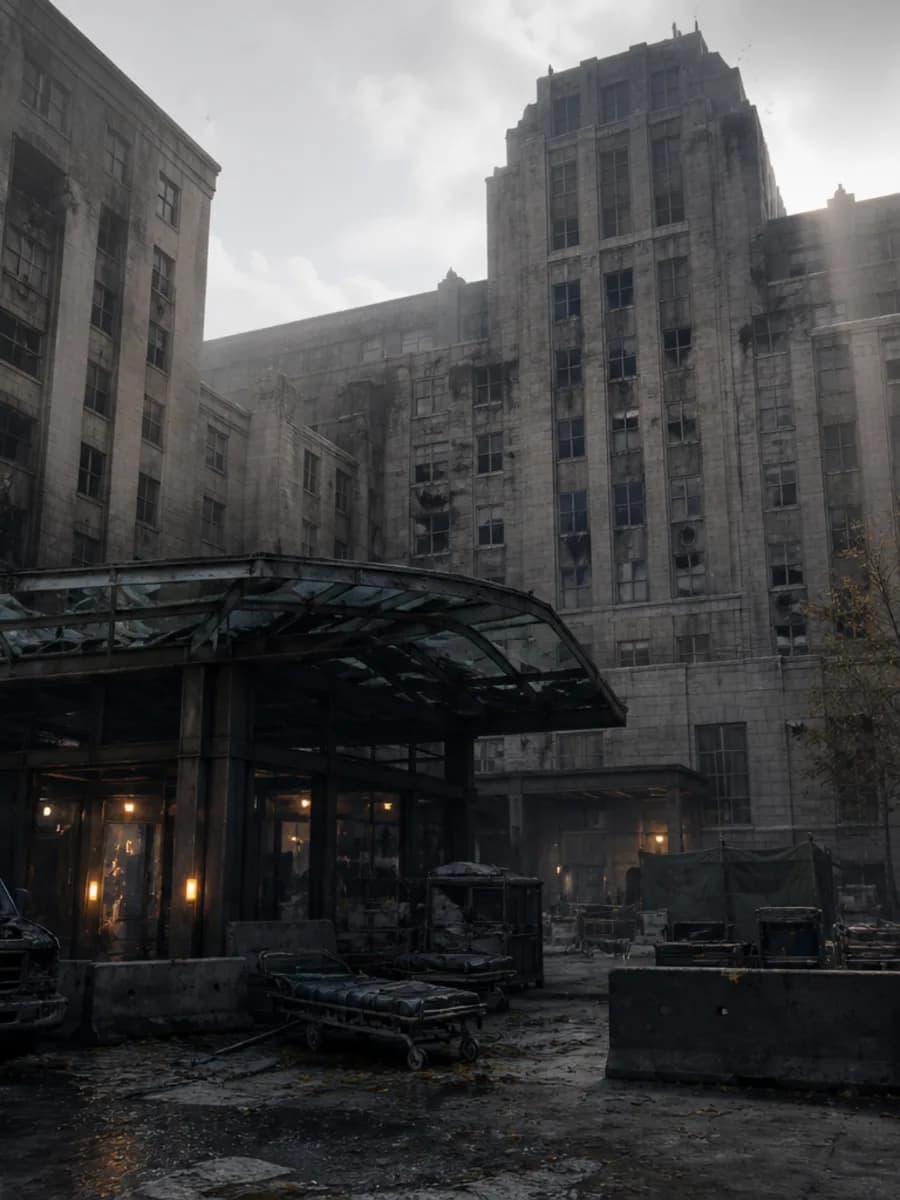
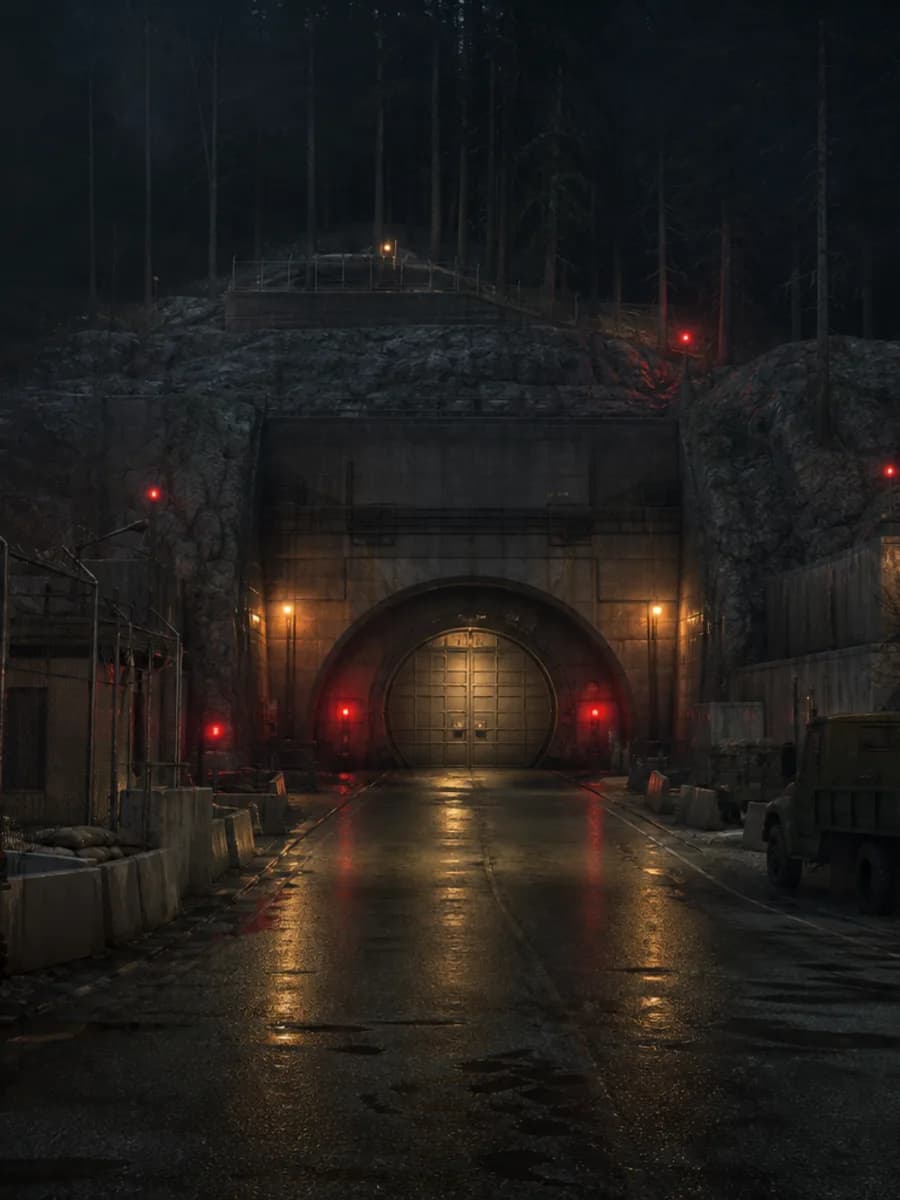
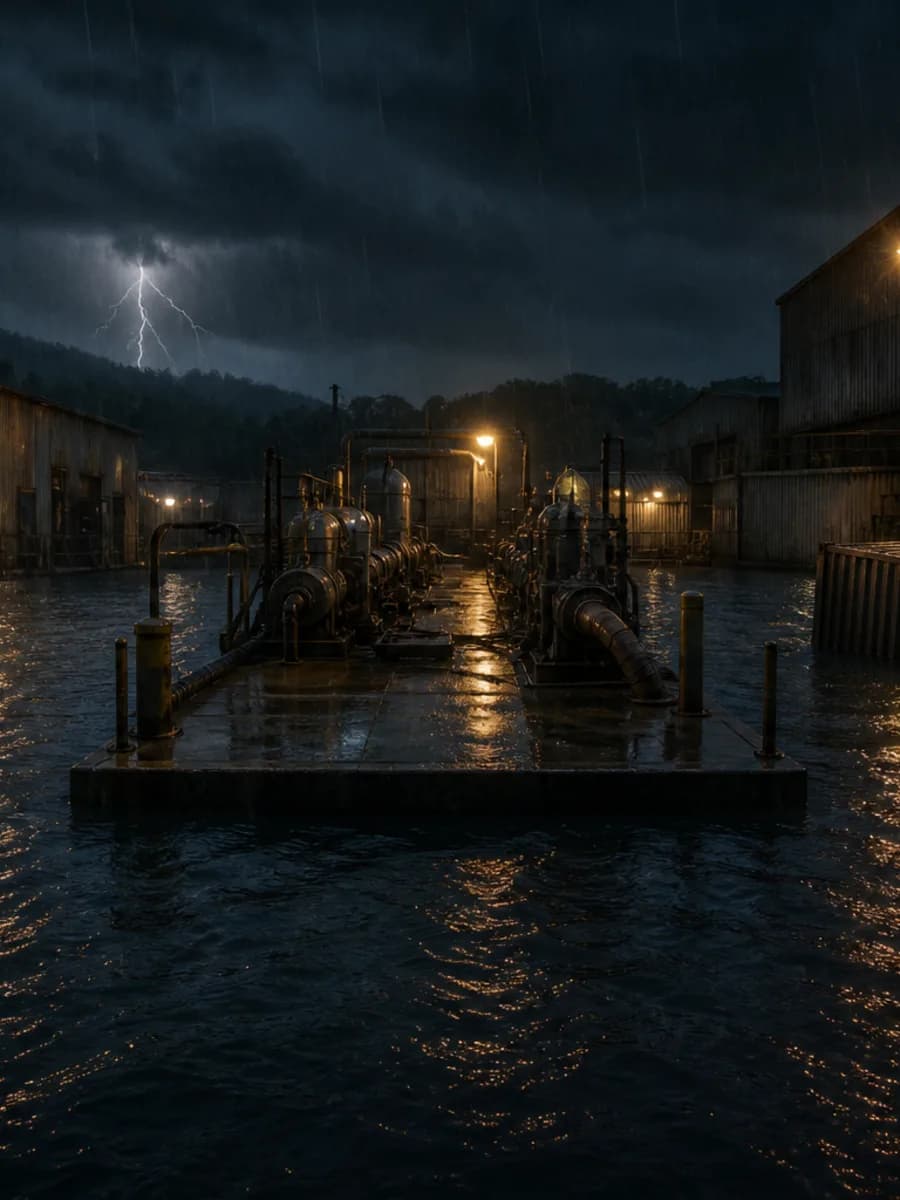
01What is my next objective?Zone order, random branches marked.Maps 02Why do I die on Nightmare?Role-matched skills and loadout.Builds 03When do I call extraction?Early or final, decided in a table.Guide 04Why does it crash?Cheapest check first, per platform.FaultsNine maps
Drag or scroll →



Reference library
105 entries · open database →
Latest patch
Armageddon / 1.0
What 1.0 changed, and every page it touches.
Read the updateRecently updated
25 standalone guidesUse the manual as a route finder: choose a current objective, open the matching map or guide, and keep only the progress that helps the next run.
How to use the No More Room in Hell 2 manual
The homepage separates the site into task chains instead of asking you to browse every record. Start with Maps when the open question is the next objective or extraction state. Start with Builds when the unresolved choice is a role and its declared loadout. Use Achievements when the task is tracking one of the 35 listed conditions. The stuck-question rows lead directly to focused guides for extraction timing, difficulty, crashes, and other named problems.
Choose a route before opening the database
The nine-map rail distinguishes six Objective scenarios from three Survival holdouts and links to a checklist for each map. The reference library serves a different job: Skills, Weapons, Equipment, and Enemies expose the categorical and descriptive fields held by the local records. If you already know the record name, use search; if you need to narrow a collection, open its hub and apply the declared filters there.
Keep saved state in context
Favorites, recent pages, map steps, Build saves, and achievement completion are browser-local conveniences, not accounts or server-backed profiles. The homepage activity area reads only that local state and removes routes that are no longer recognized. Treat those controls as a personal working layer over the published manual: they do not alter game data, change another visitor's view, or prove that an in-game objective has completed.
What the homepage evidence covers
Responder Manual uses the 1.0 Armageddon inventory as its visible release boundary. The collection counts come from the records loaded by this build, the guide total comes from the published English guide files, and the update link points to the dated Armageddon release summary. A missing value stays missing rather than being replaced with an estimated statistic, popularity claim, or inferred performance number.
Move from overview to a checkable answer
Each homepage link has a narrower destination. Map pages expose mode, setting, mission order where present, stored task sections, and related mode or extraction guides. Database pages show only fields declared for their collection. Guide pages begin with a direct answer and preserve their source links and modification dates. Update pages identify the release version and the manual routes affected by that recorded boundary.
Check the page date when a fact can change
A release label on the homepage is a navigation cue, not a guarantee that every platform issue or server condition remains unchanged. Open the linked update or troubleshooting guide, read its stated date and sources, and compare it with newer official posts when the question is time-sensitive. That workflow keeps stable route data separate from live service state and avoids turning an old snapshot into a current claim.